Building a Privacy-First QR Code Generator (QRyptshare) on OCI, Docker & Next.js
Introduction: Why Another QR Code App?
In a world saturated with apps, even simple utilities like QR code generators often come bundled with unnecessary baggage: ads, excessive tracking, and opaque server-side data processing. For basic tasks like sharing a WiFi password or a contact card, privacy should be the default, not an afterthought.
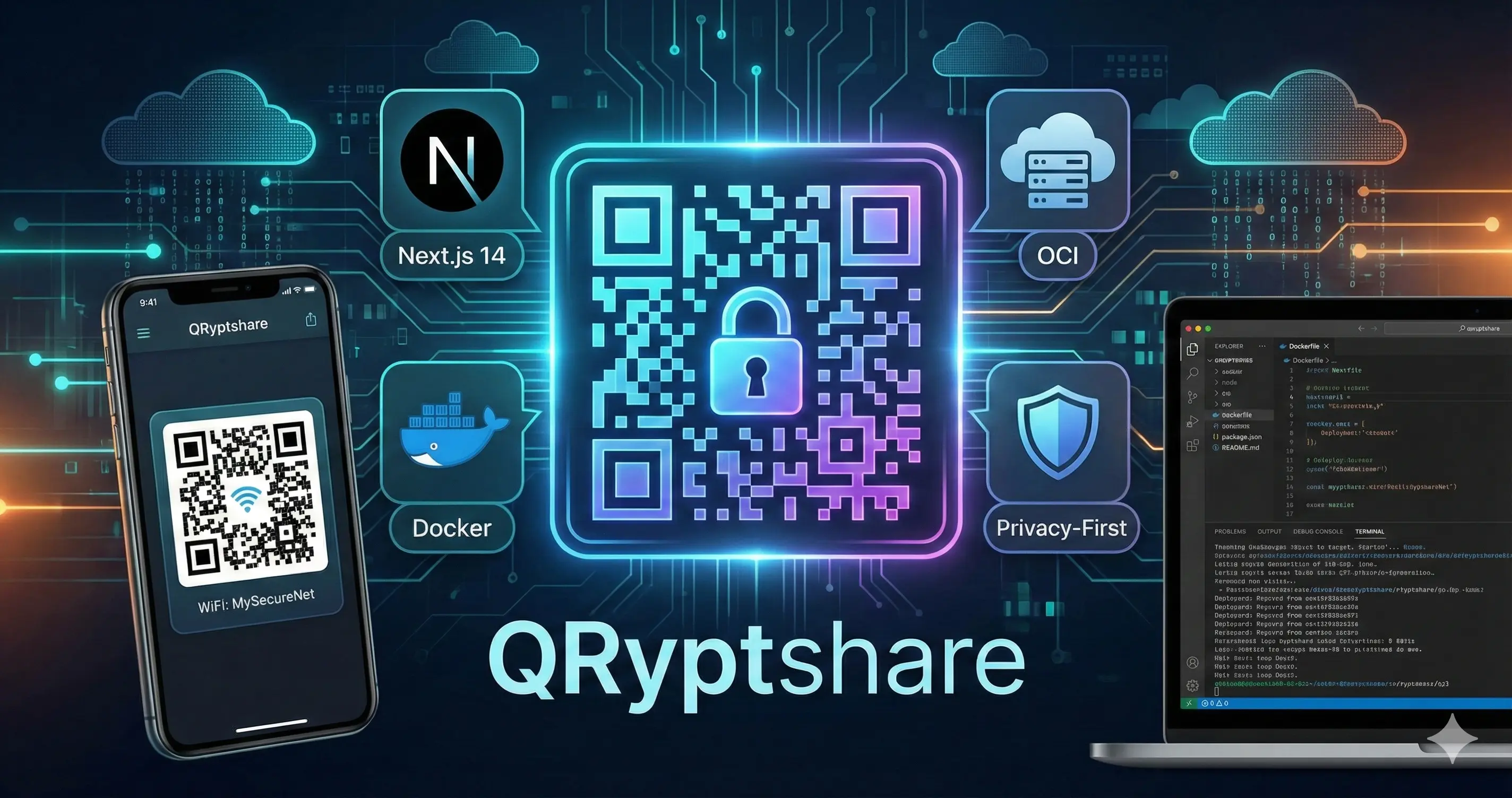
That’s the philosophy behind QRyptshare—a completely client-side, ad-free, and privacy-first QR code generator built for the modern cloud (but runs on your phone, too!). This post outlines the tech stack and the self-hosting strategy using Oracle Cloud Infrastructure (OCI) and Portainer.
🛠️ The Tech Stack: Next.js for Everything
To create a fast, single-page application that works seamlessly on both the web and native mobile devices, Next.js 14 was the clear choice.
Frontend: React, styled entirely with Tailwind CSS. This allowed us to build a single, responsive UI that fluidly transforms from a wide split-screen desktop layout to a sleek mobile interface.
Generation: The core logic uses the
react-qr-codelibrary, which performs all the QR encoding in the browser. This is the foundation of our privacy guarantee—the data never leaves your device’s memory.Features (v1.0.0): The app supports Link/URL, secure WiFi Access (WPA/WEP/Open), and a fully structured vCard for contacts (including fields for Job Title and Organization).
🐳 Deployment Strategy: From Codespaces to OCI
My goal was to run this application reliably and cheaply on my existing OCI instance running Ubuntu and Portainer. This required a robust containerization strategy.
1. Docker Optimization
Next.js offers a fantastic output: 'standalone' configuration. This command packages only the necessary files and dependencies into a single, minimal folder structure, resulting in tiny, highly efficient Docker images.
- The
Dockerfileuses a multi-stage build pattern (base->deps->builder->runner) to ensure the final production image is as small and secure as possible, using a non-root user (nextjs).
2. Portainer & OCI Integration
We use a simple docker-compose.yml file to manage the deployment. Since port 80 and 3000 were already in use on my Ubuntu host (by Nginx Proxy Manager), I mapped the container’s internal port 3000 to an external host port 3010.
Docker-Compose Snippet:
1
2
3
4
5
6
7
8
9
10
version: '3'
services:
  qr-app:
    build: .
    container_name: nextjs-qr-generator
    restart: always
    ports:
      - "3010:3000"
    environment:
      - NODE_ENV=production
3. DNS & Routing with Cloudflare
The app is accessible via a dedicated subdomain, qryptshare.sanchez.ph. In Cloudflare, an A Record points this subdomain to my OCI instance’s public IP address. Nginx Proxy Manager (running on OCI) handles the SSL certificate and forwards traffic from port 80/443 to the Docker container’s exposed port 3010.
📱 Mobile Strategy: Capacitor & GitHub Pages
To offer a true native experience, we leveraged Capacitor to wrap the Next.js frontend into an Android application package (.apk).
Static Export: We use a custom NPM script (
npm run build:mobile) that setsBUILD_MODE=mobileto trigger Next.js’s staticoutput: 'export'. This generates pure HTML, CSS, and JS files (in theoutdirectory) that can be bundled into the native app.APK Distribution: The final
.apkfile is hosted for direct download on a dedicated GitHub Pages subdomain:qryptshare.sanchez.ph. This landing page also provides essential Open Graph (OG) tags and Google Analytics tracking for monitoring download interest.
🛡️ Privacy, Tracking, and Support
I am committed to keeping QRyptshare ad-free and tracking-free. The only “metrics” collected are anonymous page views on the landing page (via Google Analytics) and tracking the project’s popularity through GitHub stars.
The core application code contains no Firebase, no remote APIs, and no server-side logic.
If you enjoy the app, the only way to support me is by buying me a coffee.
Conclusion
Building QRyptshare was a great exercise in deploying a modern, full-stack application with a minimalist, privacy-focused constraint. It demonstrates how powerful tools like Next.js and Docker can be when combined with cloud providers like OCI, resulting in a free, open-source utility that respects its users.
Source Code: https://github.com/tildemark/QRyptshare
Live Demo (Web): qr.sanchez.ph/generate (Available via OCI deployment)
Download APK: qryptshare.sanchez.ph (Available via GitHub Pages)