Git Redundancy: Mirroring GitHub to Gitea
How to move beyond a single point of failure by maintaining multiple remotes and automated mirrors.
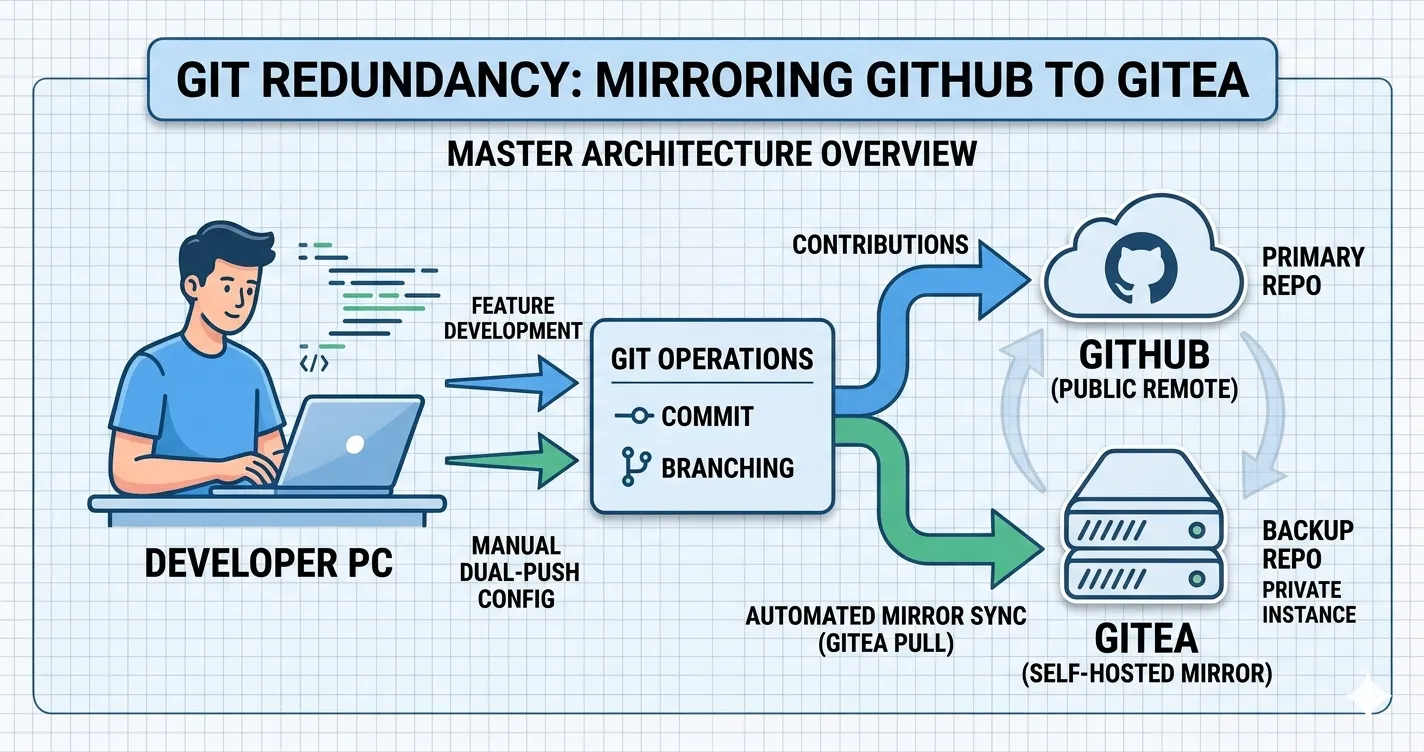
The Content
In my previous post, The Git Rescue Manual, I covered how to save your skin when a local repository goes sideways. But what happens if the “sideways” event isn’t your code—but the platform itself?
Relying solely on a third-party SaaS like GitHub leaves your workflow vulnerable to outages or account restrictions. To achieve true Data Sovereignty, you should maintain a secondary remote. My preference is a self-hosted Gitea instance.
1. The “Push-to-All” Strategy
If you want your development machine to act as the primary bridge, you can configure Git to push to both GitHub and Gitea with a single command.
Add the secondary remote:
1
git remote add gitea https://gitea.yourdomain.com/user/repo.git
Configure a multi-push remote: Instead of running two separate push commands, you can add multiple push URLs to your default origin.
1
2
3
4
5
# Re-add your GitHub URL as a push target
git remote set-url --add --push origin https://github.com/user/repo.git

# Add your Gitea URL as a second push target
git remote set-url --add --push origin https://gitea.yourdomain.com/user/repo.git
Now, when you run git push origin, your code is broadcast to both servers simultaneously.
2. Deep Backups with Mirroring
If you need a true 1:1 copy—including every single branch, tag, and the entire reflog—you need a mirror. This is the “Gold Standard” for repo redundancy.
1
2
# From your local dev folder:
git push gitea --mirror
Warning: The
--mirrorflag makes the remote look exactly like your local repo. If you delete a branch locally, it will be deleted on the remote during the next mirror push.
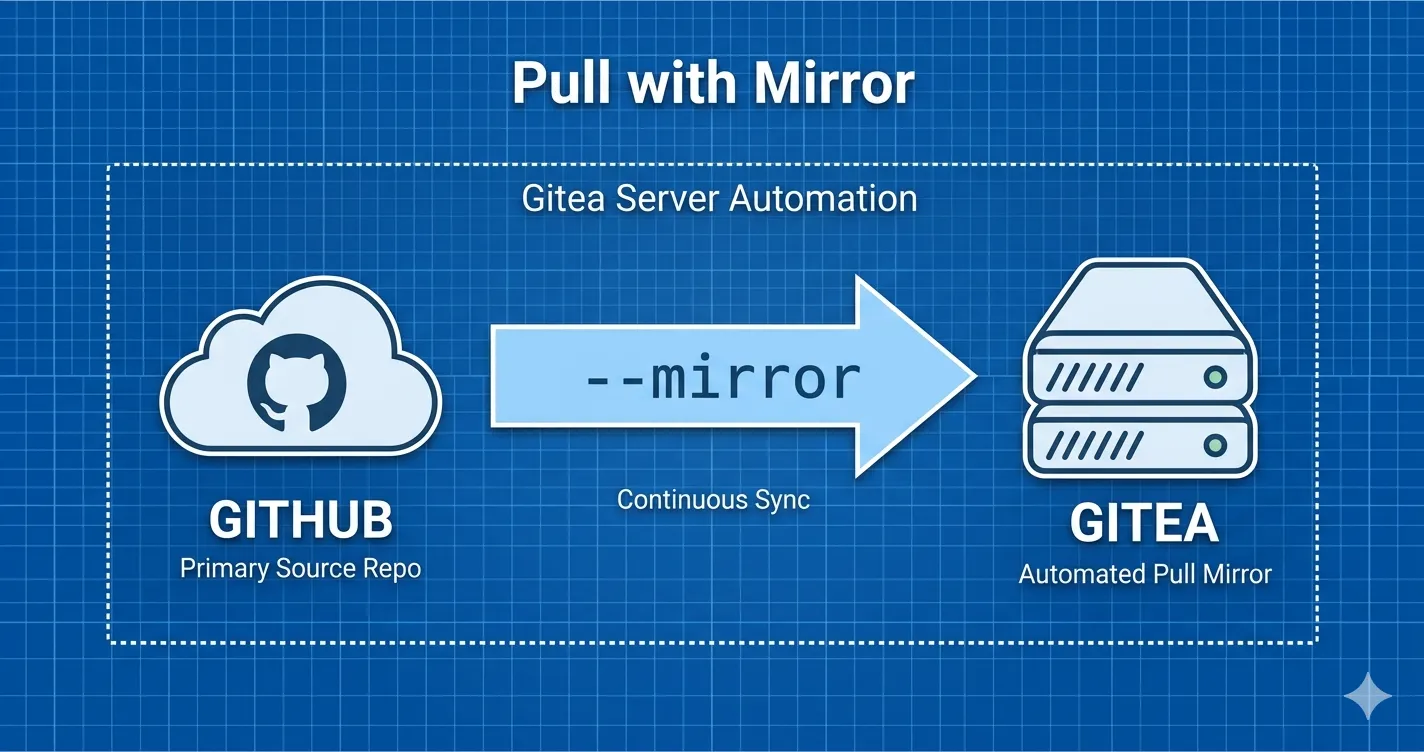 This diagram visualizes the “set and forget” automation scenario. It depicts Gitea itself taking the initiative, automatically polling your primary GitHub repository and pulling in all changes via the
 --mirror command without developer intervention. This is ideal for a background backup process.
3. Hands-Off Automation: Gitea Pull Mirrors
While pushing to two remotes is great, it relies on you remembering to push. For a truly “set and forget” backup, leverage Gitea’s built-in Migration tool.
- In Gitea, click New Repository > New Migration.
- Enter your GitHub Repository URL.
- Check the box: “This repository will be a mirror.”
- Gitea will now automatically poll GitHub every few hours and pull in any new commits or branches without you lifting a finger.
Why bother with this setup?
- Independence: GitHub is a tool, not a storage vault. You should own your history.
- Speed: Pulling from a Gitea instance on your local network (LAN) is significantly faster for large projects.
- Privacy Tiers: You can keep experimental “draft” branches on your private Gitea while pushing only the “polished” main branch to GitHub.