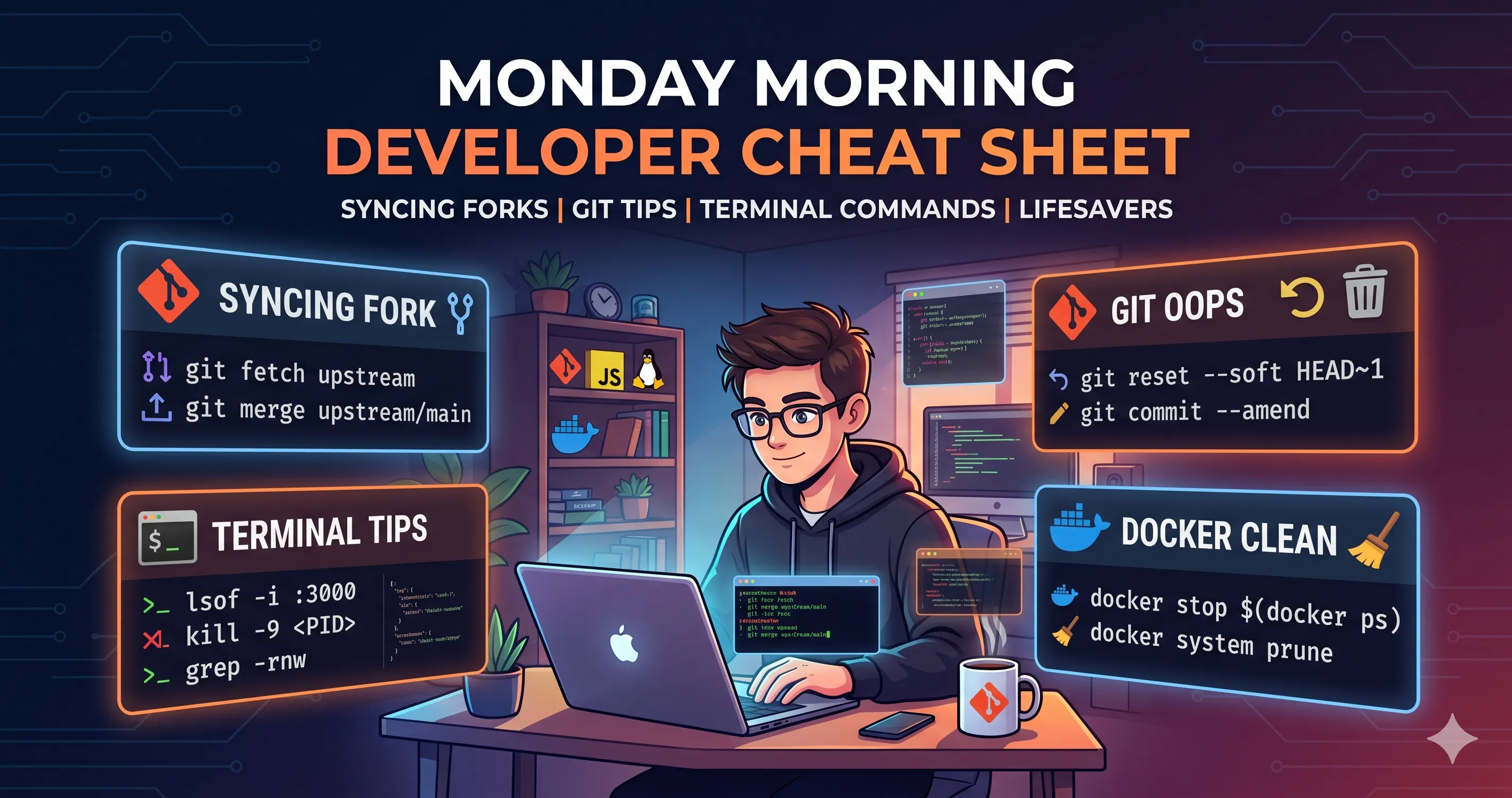
Every Monday, the brain fog is real. Memorizing exact CLI syntax is secondary to actually building things. Every developer has a mental “cheat sheet” of commands they use just infrequently enough to forget, but often enough to find it annoying to search for every time.
I made this post as my personal copy-paste arsenal. If you stumbled upon this from a search engine, I hope it saves your Monday morning, too!
1. The Weekly Routine: Syncing a Fork with Upstream
Note: This assumes you have already set the upstream remote using git remote add upstream <original-repo-url>.
Here is the exact copy-paste workflow to fetch the latest changes, apply them to your local main branch, and push them to your GitHub fork:
1
2
3
4
5
6
7
8
9
10
11
12
| # 1. Fetch all branches and commits from the upstream repo
git fetch upstream
# 2. Switch to your local main branch (or master)
git checkout main
# 3. Merge the upstream changes into your local branch
git merge upstream/main
# 4. Push the updated local branch to your remote fork (origin)
git push origin main
|
2. The Git “Oops” Moments
These are the commands to scramble for when you make a slight mistake but don’t want to nuke your entire repository to fix it.
Undo the last commit (keep the code changes)
1
2
| git reset --soft HEAD~1
|
Completely wipe out the last commit and its changes (Danger!)
1
2
| git reset --hard HEAD~1
|
Fix a typo in your last commit message
1
2
| git commit --amend -m "Your new, typo-free message"
|
Delete a branch both locally and remotely
1
2
3
| git branch -d branch_name # Local
git push origin --delete branch_name # Remote
|
Discard all local, uncommitted changes
When you just want to revert a file back to how it was at the last commit:
1
2
3
4
5
6
| # Discard changes in a specific file
git restore path/to/file
# Discard ALL uncommitted changes in the repo
git restore .
|
3. Git Stashing & History
When you are in the middle of something but need to switch branches quickly.
Stash your current changes
1
2
3
| # Stash with a descriptive message so you don't forget what it is
git stash push -m "WIP: login feature"
|
Apply your stashed changes back
1
2
3
| # Apply the most recent stash and remove it from the stash list
git stash pop
|
View a clean, readable Git history tree
1
2
| git log --graph --oneline --decorate --all
|
4. Terminal & Port Lifesavers
Nothing is more annoying than trying to spin up a local server and getting a “Port already in use” error.
Find what is running on a specific port and kill it
For example, to free up port 3000:
1
2
3
4
5
6
| # Find the Process ID (PID)
lsof -i :3000
# Kill the process (replace <PID> with the number from the command above)
kill -9 <PID>
|
Search for a specific string inside all files in a directory
1
2
| grep -rnw '/path/to/search/' -e 'search_string'
|
1
2
| tar -xzvf file.tar.gz
|
5. File System Wizardry
Create a deeply nested directory structure all at once
Stop typing mkdir three times in a row. Use the -p flag.
1
2
| mkdir -p folder/subfolder/another_folder
|
Create a symbolic link (Symlink)
The syntax is always ln -s [TARGET] [LINK_NAME]. Think of it as creating a shortcut.
1
2
| ln -s /path/to/original/file /path/to/link
|
Find files taking up the most space in a directory
1
2
| du -sh * | sort -rh | head -10
|
6. Node.js & NPM Sanity Checks
Sometimes the only way to fix a JavaScript project is to nuke it from orbit and start over.
The “Turn it off and on again” for NPM
Delete node_modules and package-lock.json, clear the cache, and reinstall.
1
2
3
4
| rm -rf node_modules package-lock.json
npm cache clean --force
npm install
|
7. Docker Housekeeping
Docker loves to eat up hard drive space with unused containers and dangling images. Here is how to clean it up.
Stop all running containers
1
2
| docker stop $(docker ps -a -q)
|
Nuke all unused containers, networks, images, and volumes
1
2
| docker system prune -a --volumes
|
8. SSH Keys
Setting up a new dev machine? Here is the exact command to generate a fresh SSH key for GitHub/GitLab.
Generate a new SSH Key
1
2
| ssh-keygen -t ed25519 -C "your_email@example.com"
|
(Press Enter to accept the default file location and add a secure passphrase if desired).
Copy your public key to the clipboard (macOS)
1
2
| pbcopy < ~/.ssh/id_ed25519.pub
|
(For Linux, use xclip -sel clip < ~/.ssh/id_ed25519.pub or cat ~/.ssh/id_ed25519.pub and copy it manually).